Repeat intensity without tracking it mentally.
Prepare, work, rest, recovery, and cooldown become a predictable loop with a clear final occurrence.
Work00:30
Rest00:15
Rounds8
Work18Round 3 of 8
Timer Gym keeps every interval obvious through phase color, voice, countdowns, tones, and haptics so the athlete can stay inside the movement.
PROJECT SNAPSHOT · Independent native training product · Source implementation
Prepare, work, rest and completion with persistent phase/time controls, optional browser speech and paused interruption/restart review.
Athletes should not trade form or rhythm for basic timing information.
The user still has to remember the next phase, round, recovery, and finish condition.
Unreviewed exercises and unclear data boundaries can turn convenience into risk.
Five seconds to settle, check position, and get ready. The cue system establishes the next action before intensity begins.
Each mode shares the same state discipline, cue policy, persistence rules, and safe controls. The user learns one system, then chooses the structure the workout needs.
Prepare, work, rest, recovery, and cooldown become a predictable loop with a clear final occurrence.
A loud gym, a phone in a pocket, reduced vision, or music playback can each remove a channel. Timer Gym layers signals so timing is not dependent on a single sense.
Setup defines the constraints. Today identifies the next action. Train runs the plan. Library explains movement. Profile keeps preferences, equipment, Health, cues, subscription, and privacy legible.
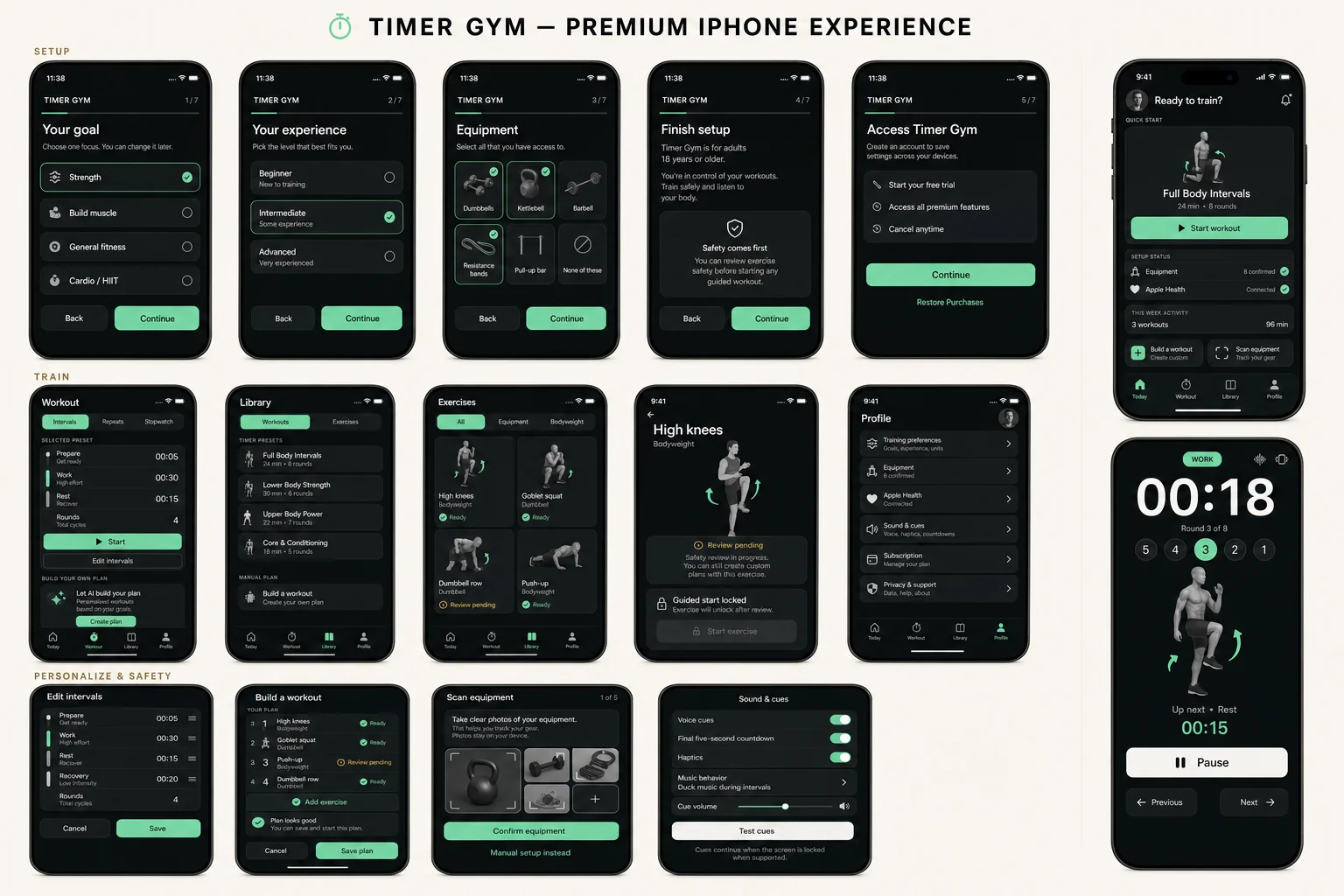
Goal, experience, and available equipment become explicit inputs before a plan is suggested.
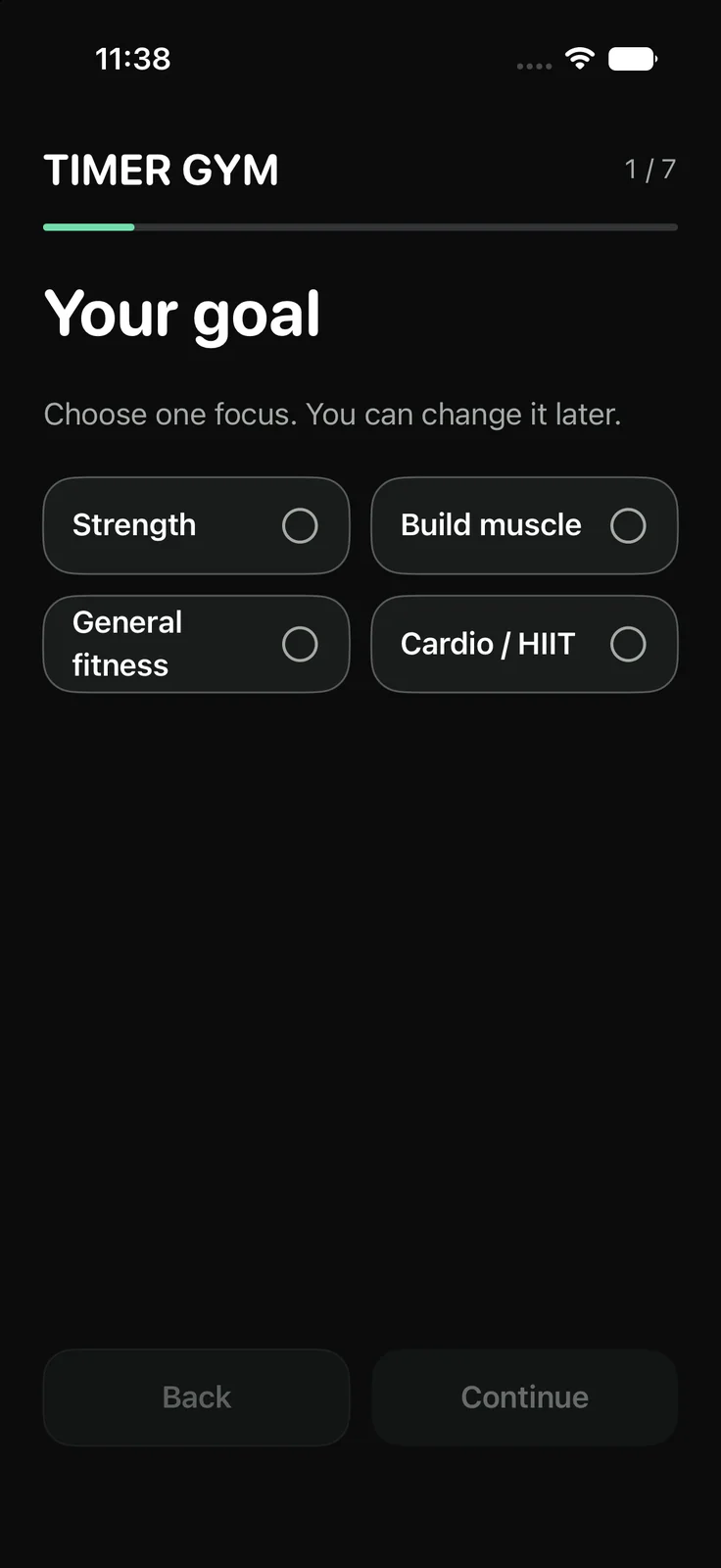
The captured source build asks for a training goal, then experience and equipment. Continue remains disabled until the current question is answered, keeping progress explicit and recoverable.
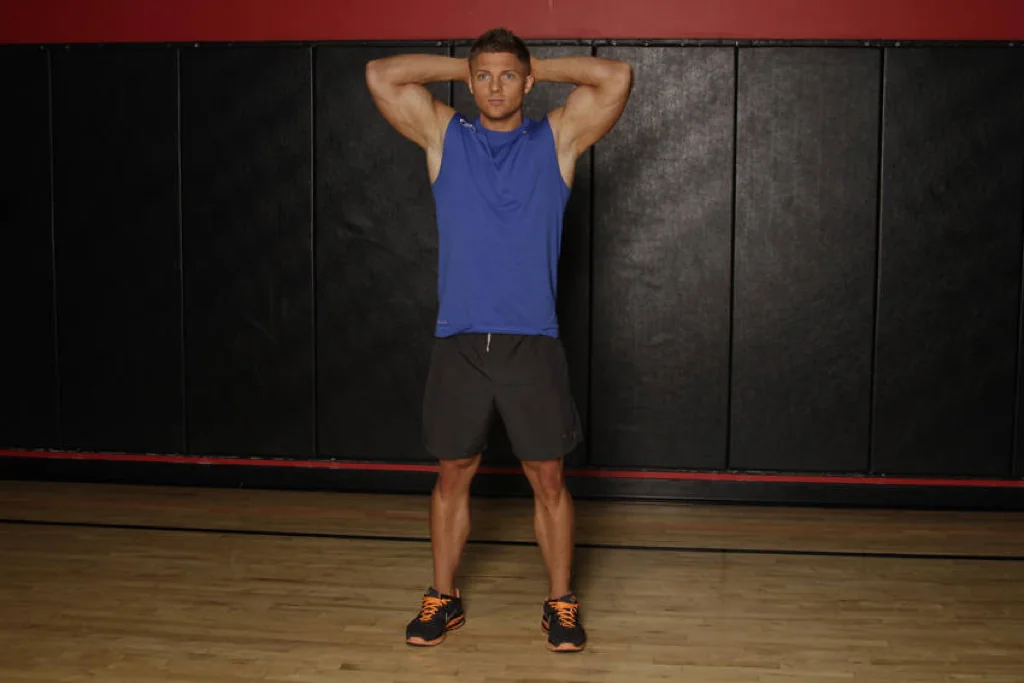
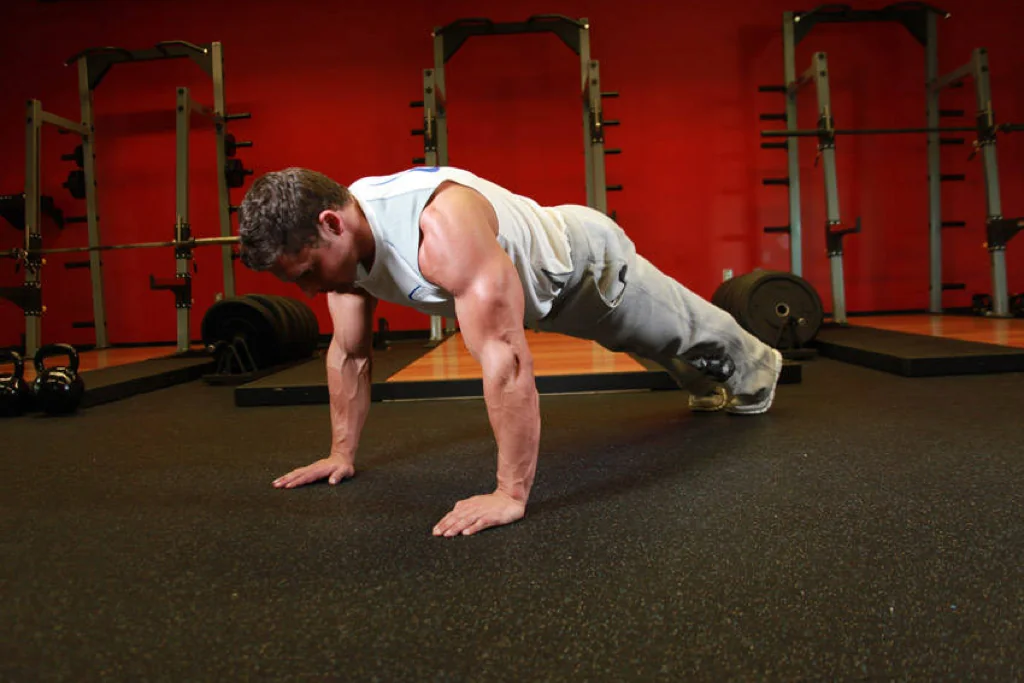
The 24 bundled exercise records are useful for interface and domain testing, but they are not treated as approved fitness instruction.
Instructions, safety, movement frames, accessibility, version, and asset fingerprint are all required before promotion.
The constrained planner may use only approved catalog records, so draft content cannot silently enter a guided workout.
Optional Apple Health data remains local and is never sent to the backend or equipment-scanning provider.
The timer must remain understandable and recoverable without a network. Account, entitlement, Health, scanning, and content services sit behind explicit boundaries rather than inside the timing loop.
Deterministic projection, persistence, ordered cues, and safe recovery.
Onboarding, Today, Train, Library, Profile, and active workout.
Presets, workout memory, optional reads, and completed-workout writes.
StoreKit entitlement, Sign in with Apple, Keychain session, explicit permissions.
Sessions, approved content, scan metadata, confirmed equipment, quota, and audits.
“Stop watching the clock” begins with a behavior, not a feature list. The public story then proves the promise through phase visibility, cue redundancy, and availability honesty.
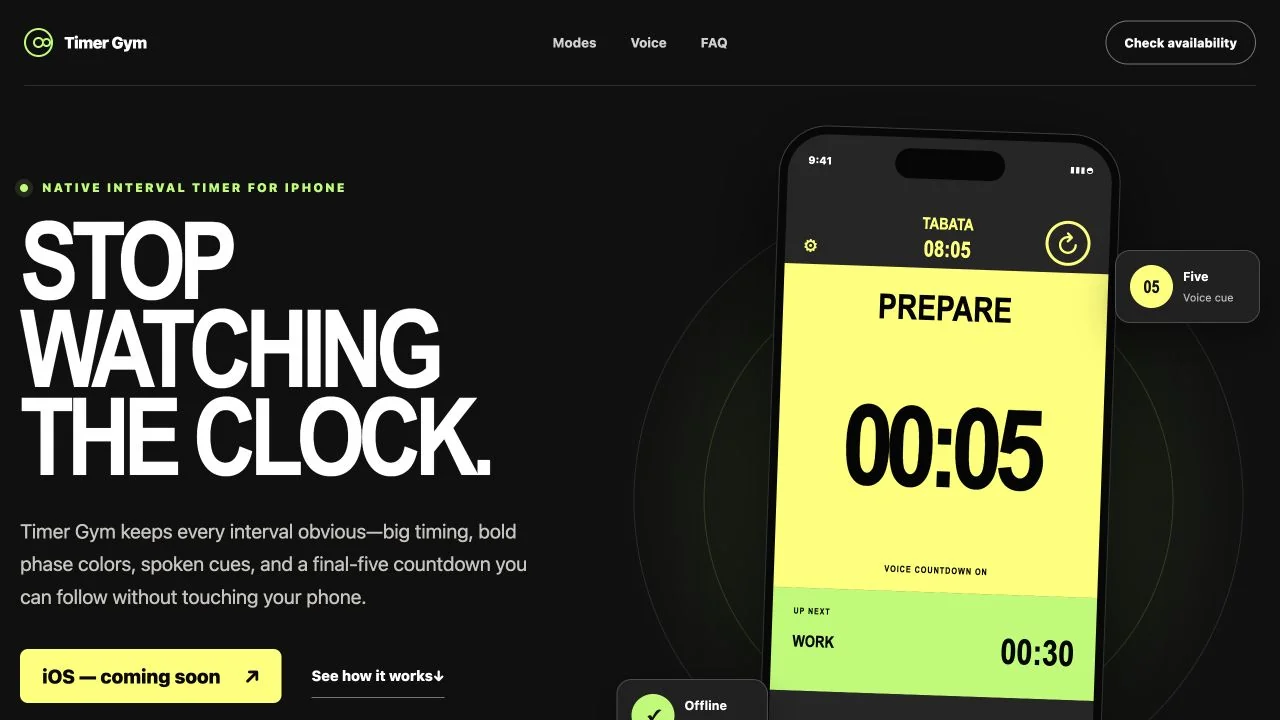
Large timing, bold phase color, and one clear promise make the product understandable before installation.
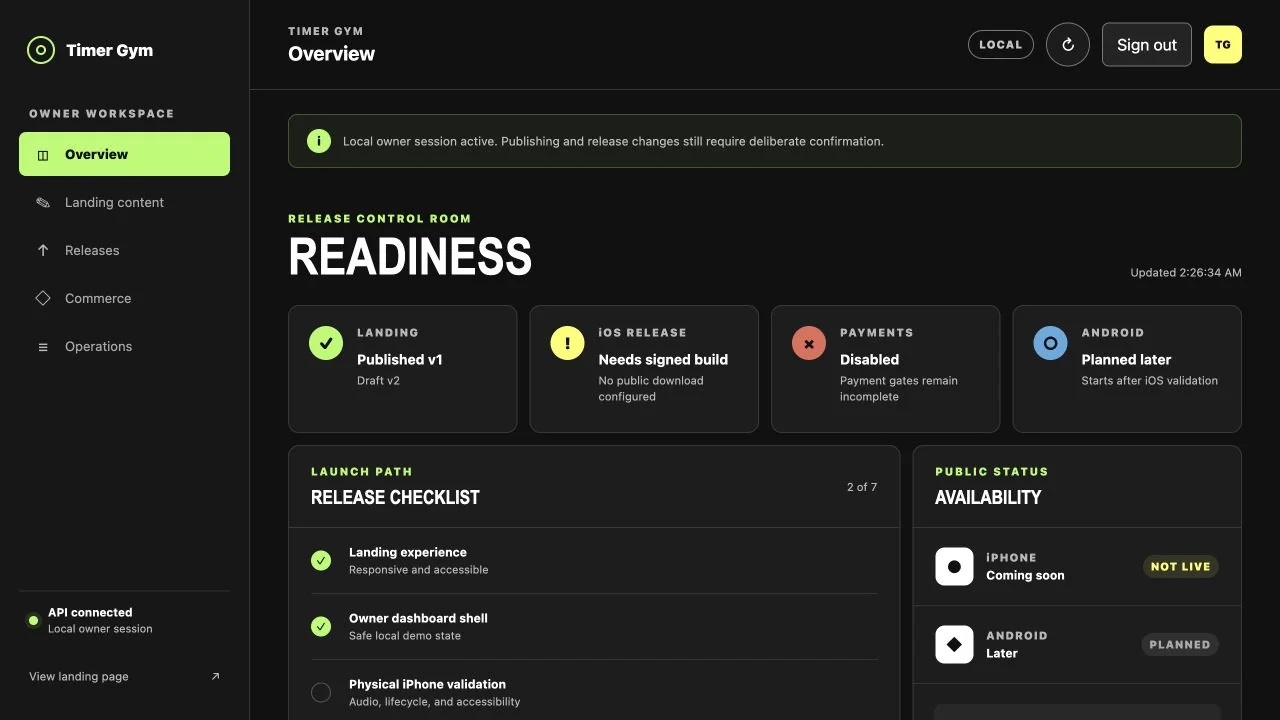
The owner surface manages content and confirmed release records while the public call to action remains Coming soon until strict checks pass.
This is verified source implementation, not an App Store release claim. Full Xcode, signing, StoreKit products, Apple services, Cloudflare configuration, approved exercise media, and physical-device testing remain required. Background timing, spoken lock-screen cues, Bluetooth routes, camera, haptics, flashlight, VoiceOver, Dynamic Type, and real-device safe areas are not certified by the local checks.
A COMPLETE TASK
Prepare, Work, Rest and Complete use text labels and remaining time, with the next phase named.
Disable phase color and leave optional speech off. Phase, position, remaining time and controls remain visible as text. Unsupported or failed speech is labeled; haptics are not provided in this browser study.
An interruption projects elapsed time to the current phase before retaining the remaining time.
Opening restart review pauses first and shows the retained phase/time. Keep session leaves it paused; only explicit confirmation resets it. Returning from the browser cache also stays paused.
Inspect the current interaction
DECISIONS AND TRADEOFFS
A large remaining time needs a named phase and round context. Color alone cannot explain the next action.
Tradeoff. Audio, haptics and screen visibility can each be unavailable; defaults need physical-context evaluation.
The browser study settles elapsed time before pausing and keeps controls in place through phase changes. Restart review pauses first and exposes the current phase/time before confirmation.
Tradeoff. Canceling a restart or returning to the page keeps the session paused. This explicit resume boundary is a design choice that still needs observation during movement.
The useful timer should work without account setup, coaching media or an equipment-scanning service.
Tradeoff. The broader training ecosystem remains gated by configuration and content review, as documented in the case.
WHAT THE WORK ESTABLISHES
| Evidence | What you can inspect | What remains unestablished |
|---|---|---|
| Recorded local checks | The existing case reports native/backend checks with explicit verification limits. | They do not certify lock-screen audio, Bluetooth, haptics, camera or in-gym usability. |
| Browser interaction study | The sample retains focused controls across phase changes and elapsed time across interruption/cache return. Seven handler contracts also cover missing color/audio, speech exceptions, stale callbacks and restart review. | These are local source/DOM checks. Native screen-reader output, rendered text scaling, physical-device cue effectiveness, haptics and audibility are unverified. |
| Next evidence | Test representative physical devices and observe a realistic training session. | Missed cues, repeated glances, accidental taps and recovery outcomes still need to be recorded. |
What you can inspectThe existing case reports native/backend checks with explicit verification limits.
What remains unestablishedThey do not certify lock-screen audio, Bluetooth, haptics, camera or in-gym usability.
What you can inspectThe sample retains focused controls across phase changes and elapsed time across interruption/cache return. Seven handler contracts also cover missing color/audio, speech exceptions, stale callbacks and restart review.
What remains unestablishedThese are local source/DOM checks. Native screen-reader output, rendered text scaling, physical-device cue effectiveness, haptics and audibility are unverified.
What you can inspectTest representative physical devices and observe a realistic training session.
What remains unestablishedMissed cues, repeated glances, accidental taps and recovery outcomes still need to be recorded.
The interaction examples make design decisions inspectable. Participant findings, endorsements and business outcomes are included only when an actual record is available.
Keep. Keep a named phase and remaining time visible together, with optional audio. The core timer should remain usable without enabling the wider training services.
Change next. Project elapsed time when Pause arrives and retain subsecond time. The browser study now checks a delayed pause across a phase boundary; the native build still needs physical-device verification.
Question to test. Which cues remain noticeable during real movement, with audio, color or screen visibility unavailable? Record missed cues and accidental controls in the intended session context.