Scan what matters
Run the audit on your selection or on the current page.

Find the small design file issues that turn into big implementation questions. Scan a selection or page and create a clear, prioritized handoff report right in Figma.
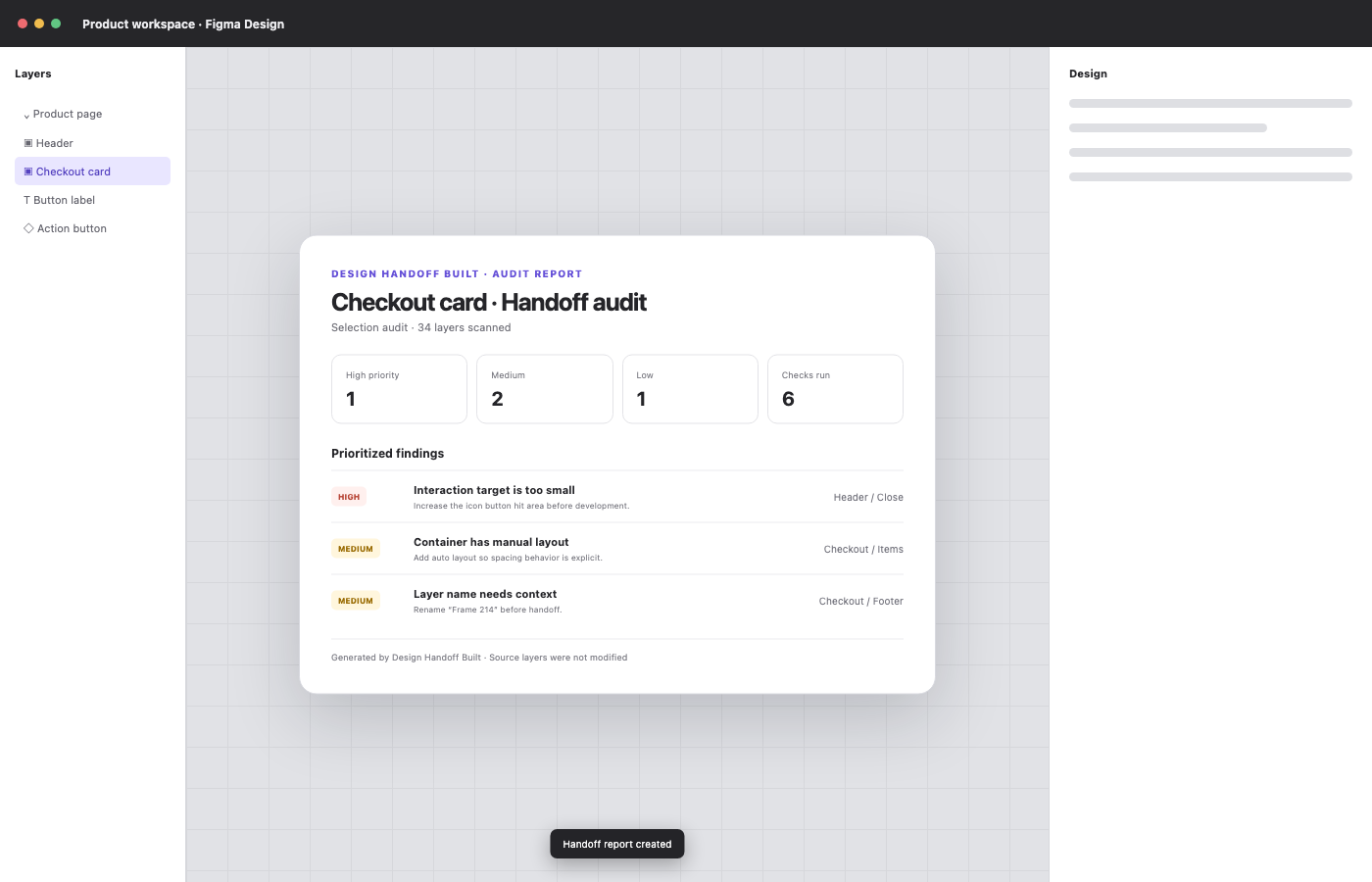
Automated checks flag layer naming, layout and component issues and turn them into a prioritized handoff report.
PROJECT SNAPSHOT · Figma plugin · Handoff review
Bounded checks for naming, layout, components, text, targets and hidden layers. Source layers stay unchanged.
Six focused checks. One actionable report. Fewer questions after the file leaves your hands.
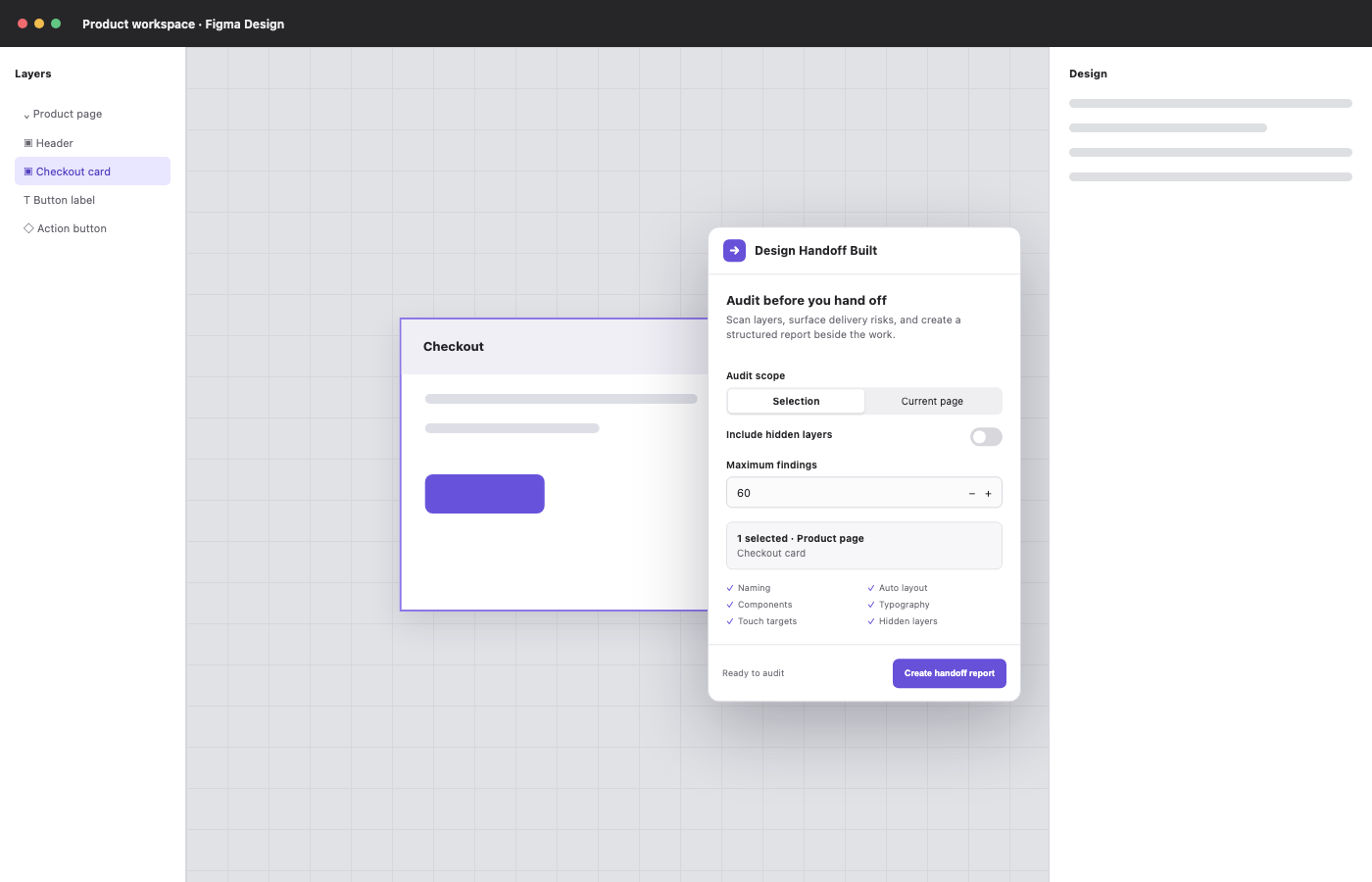
Design Handoff Built checks common sources of confusion before development starts: unclear layer names, containers missing auto layout, unresolved component instances, empty or unstyled text, small interaction targets, and hidden layers in the audit scope. It creates a report beside the source work so designers and developers can review issues together.
The scan is bounded and does not rewrite source layers. Its findings support a final human review of design, accessibility, and engineering decisions.
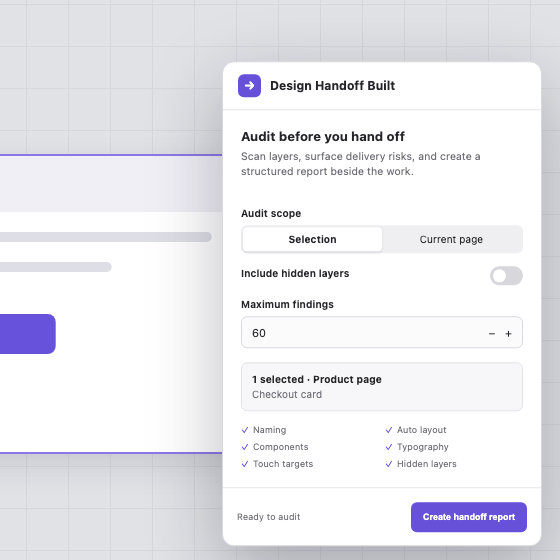
Run the audit on your selection or on the current page.
Check naming, layout, components, text, touch targets, and hidden layers.
Include hidden layers and set a maximum number of findings.
Create a structured document in the Figma file for the handoff conversation.
Select the frames or page to review, run the audit, and inspect the generated report in Figma.
A COMPLETE TASK
Selection and current-page scope are distinct. An empty selection should not silently become a complete file scan.
Inspect a named node, the observed condition, priority and implementation question.
Apply the illustrative correction. The previous report stays stale until the same scope is scanned again.
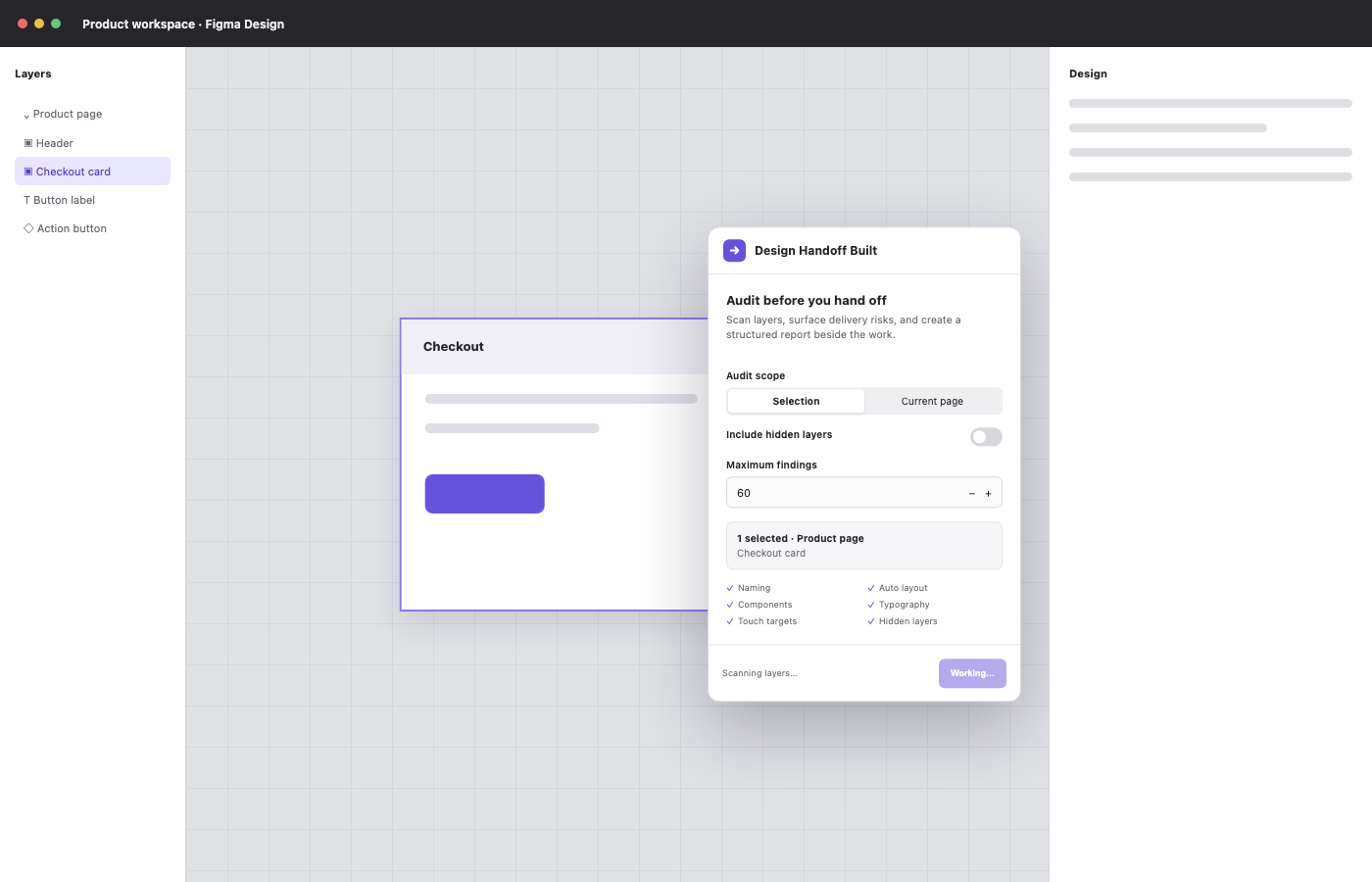
Compare no findings, a capped result, unavailable information and an interrupted scan.
Inspect the current interaction
DECISIONS AND TRADEOFFS
A frame without auto layout can be deliberate. The finding explains evidence and asks for review instead of treating every exception as an error.
Tradeoff. A designer still needs to know whether a layout is intentionally fixed or missing constraints.
A separate in-file report allows designers and developers to discuss the same node without rewriting the design automatically.
Tradeoff. The report can become stale after edits. A new scan must preserve its scope and timestamp.
The source caps traversal and finding counts. The sample distinguishes no findings, partial results and unsupported scope.
Tradeoff. A capped result cannot be called a clean or complete audit.
WHAT THE WORK ESTABLISHES
| Evidence | What you can inspect | What remains unestablished |
|---|---|---|
| Implementation | Source checks selection/current-page scope and generates an in-file report. | The generated report keeps findings together for review in Figma. |
| Interface study | A sample source node, finding, intentional exception, correction and rescan are inspectable without Figma. | The study is illustrative. It is not feedback from a real developer or a measured time-saving comparison. |
| Next evidence | Compare the same bounded file with a designer/developer manual review. | Valid findings, misses, false positives and unresolved implementation questions remain to be observed. |
What you can inspectSource checks selection/current-page scope and generates an in-file report.
What remains unestablishedThe generated report keeps findings together for review in Figma.
What you can inspectA sample source node, finding, intentional exception, correction and rescan are inspectable without Figma.
What remains unestablishedThe study is illustrative. It is not feedback from a real developer or a measured time-saving comparison.
What you can inspectCompare the same bounded file with a designer/developer manual review.
What remains unestablishedValid findings, misses, false positives and unresolved implementation questions remain to be observed.
The interaction examples make design decisions inspectable. Participant findings, endorsements and business outcomes are included only when an actual record is available.
REFLECTION · NEXT ITERATION
Keep. Keep the observed node, review question and proposed correction together. The sample repair and rescan give a reviewer a complete example of what the report is asking them to do.
Change next. Review the rule language against intentional exceptions before adding more checks. A generic name or manual layout is evidence to inspect; it does not establish that the design is unsuitable.
Question to test. Which findings help a designer and developer resolve a real handoff question, and which create noise? A shared file review and manual comparison are still needed.
Run the audit in your Figma file to review handoff risks.