Scan your working area
Review a selection or the current page without changing the design.

Get a focused view of where your design system is losing consistency. Scan a selection or page, choose balanced or strict checks, and create a prioritized diagnosis in Figma.
Automated checks flag token, typography and component drift and group findings by priority for review.
PROJECT SNAPSHOT · Figma utility · System consistency review
Token/style adoption, component resolution, layout and naming checks, with balanced and strict depth.
Token, typography, component, layout, and naming checks in one focused review.
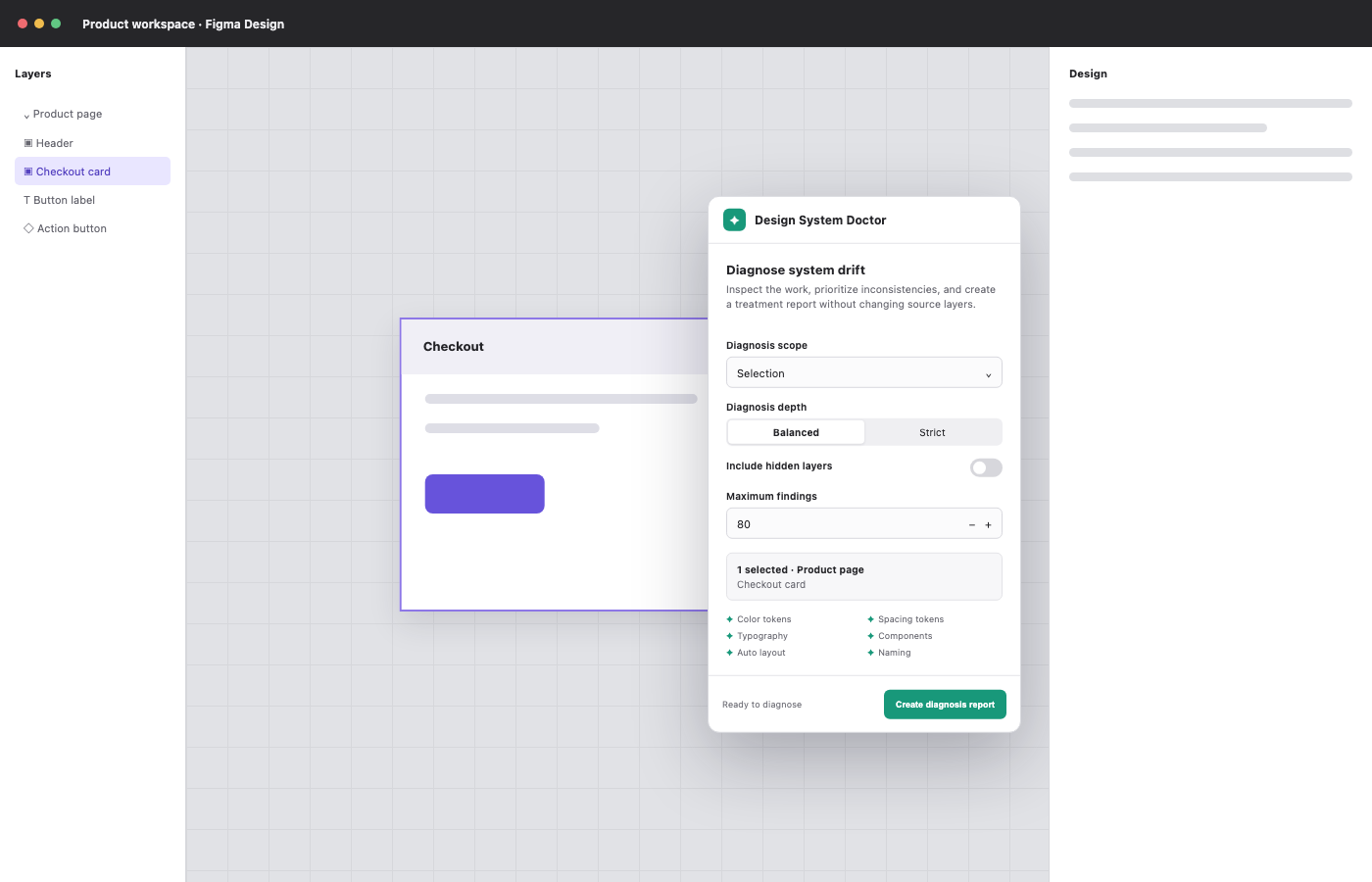
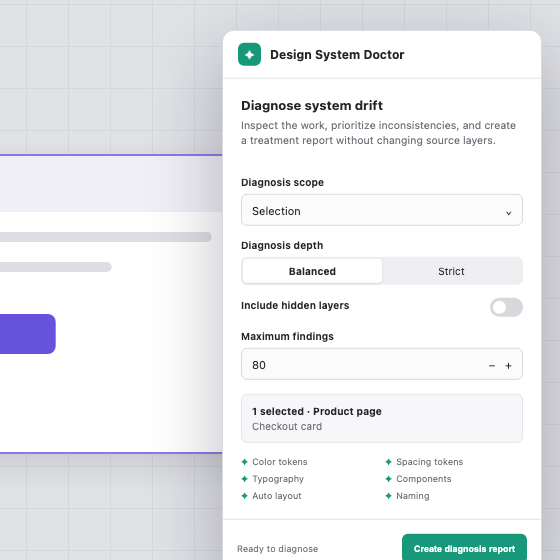
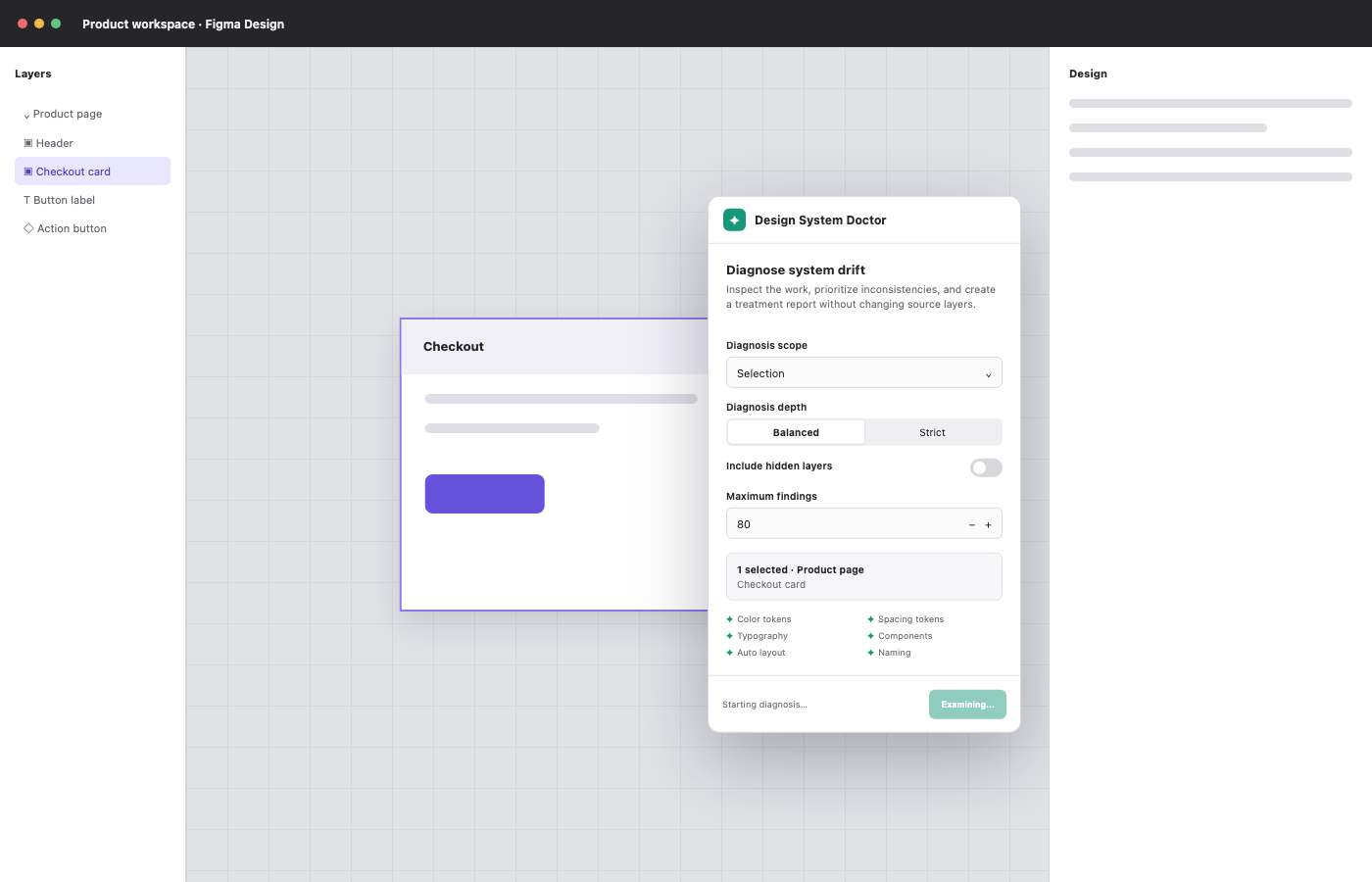
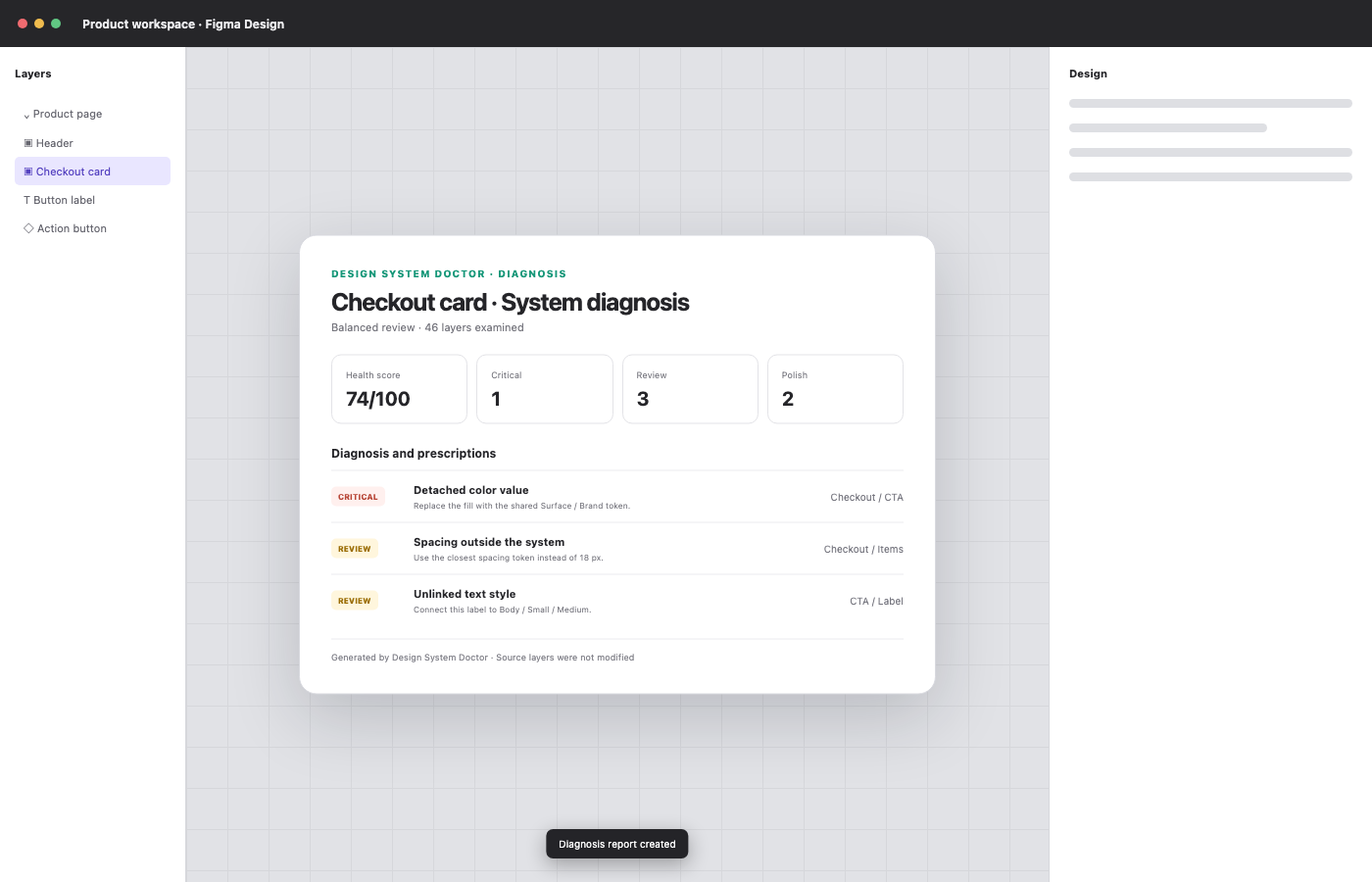
Design System Doctor looks for inconsistent use of color, spacing, and radius tokens; missing shared typography styles; unresolved component instances; layout gaps; and unclear layer names. It brings those signals into a prioritized report so a team can decide what to repair first.
The plugin diagnoses without modifying source layers. Balanced and strict modes let you adjust the review depth to match the maturity of the file and system.
Review a selection or the current page without changing the design.
Spot color, spacing, and radius values outside shared styles.
Find typography, component, auto layout, and naming issues.
Use balanced or strict checks and limit the number of findings.
A COMPLETE TASK
Run Balanced and Strict against the same sample and inspect the additional adoption questions.
Keep an intentional campaign alias when the source context justifies the variation.
Bind the sample to its intended token, then rescan the same scope to see exactly what changed.
No findings, capped findings, unavailable libraries and interrupted assessment have different meanings.
Inspect the current interaction
DECISIONS AND TRADEOFFS
A literal color is not automatically wrong. The scanner can inspect bindings and shared styles, but cannot infer every intended design-system exception.
Tradeoff. Unresolved libraries and aliases require a maintainer’s judgment. The report must say when evidence is unavailable.
Balanced mode emphasizes structural risks. Strict mode includes additional adoption/naming questions for mature systems.
Tradeoff. More findings may add noise. The sample lets a reviewer compare modes on the same source.
A diagnosis is useful when its recommendation leads to a specific correction and the follow-up identifies what changed.
Tradeoff. A health summary is a scope-specific description, not a universal score for design quality.
WHAT THE WORK ESTABLISHES
| Evidence | What you can inspect | What remains unestablished |
|---|---|---|
| Implementation | Selection/page scope, depth controls and grouped in-file diagnosis are present. | Compatibility with every external library, mode or RTL style has not been established. |
| Sample evaluation | The local study shows valid drift, an intentional alias, an unresolved library and a bounded rescan. | These examples test interpretation of the interface; they are not maintainer research results. |
| Next evidence | A real library review with its maintainer and a manual comparison. | Missed issues, false positives, useful findings and review effort must be recorded before making effectiveness claims. |
What you can inspectSelection/page scope, depth controls and grouped in-file diagnosis are present.
What remains unestablishedCompatibility with every external library, mode or RTL style has not been established.
What you can inspectThe local study shows valid drift, an intentional alias, an unresolved library and a bounded rescan.
What remains unestablishedThese examples test interpretation of the interface; they are not maintainer research results.
What you can inspectA real library review with its maintainer and a manual comparison.
What remains unestablishedMissed issues, false positives, useful findings and review effort must be recorded before making effectiveness claims.
The interaction examples make design decisions inspectable. Participant findings, endorsements and business outcomes are included only when an actual record is available.
REFLECTION · NEXT ITERATION
Keep. Keep expected bindings separate from detected local values. The intentional campaign alias shows why a diagnosis needs a maintainer’s judgment before a repair.
Change next. Compare Balanced and Strict on the same real library, record false positives and missed issues, and revise the severity language before interpreting a summary as system health.
Question to test. Can maintainers identify a useful correction, accept a justified exception and explain the rescan’s scope? The local example prepares that task but does not establish maintainer usefulness.
Run the diagnosis in your Figma file.